
Image Tools
Best Uses of Transparent Background Images for Ecommerce
Learn the best ecommerce uses for transparent background product images, from clean listings and marketplace uploads to ads, banners, and reusable product cutouts.
By UseBoldTools Team 3 min readPublished July 2, 2026
Introduction
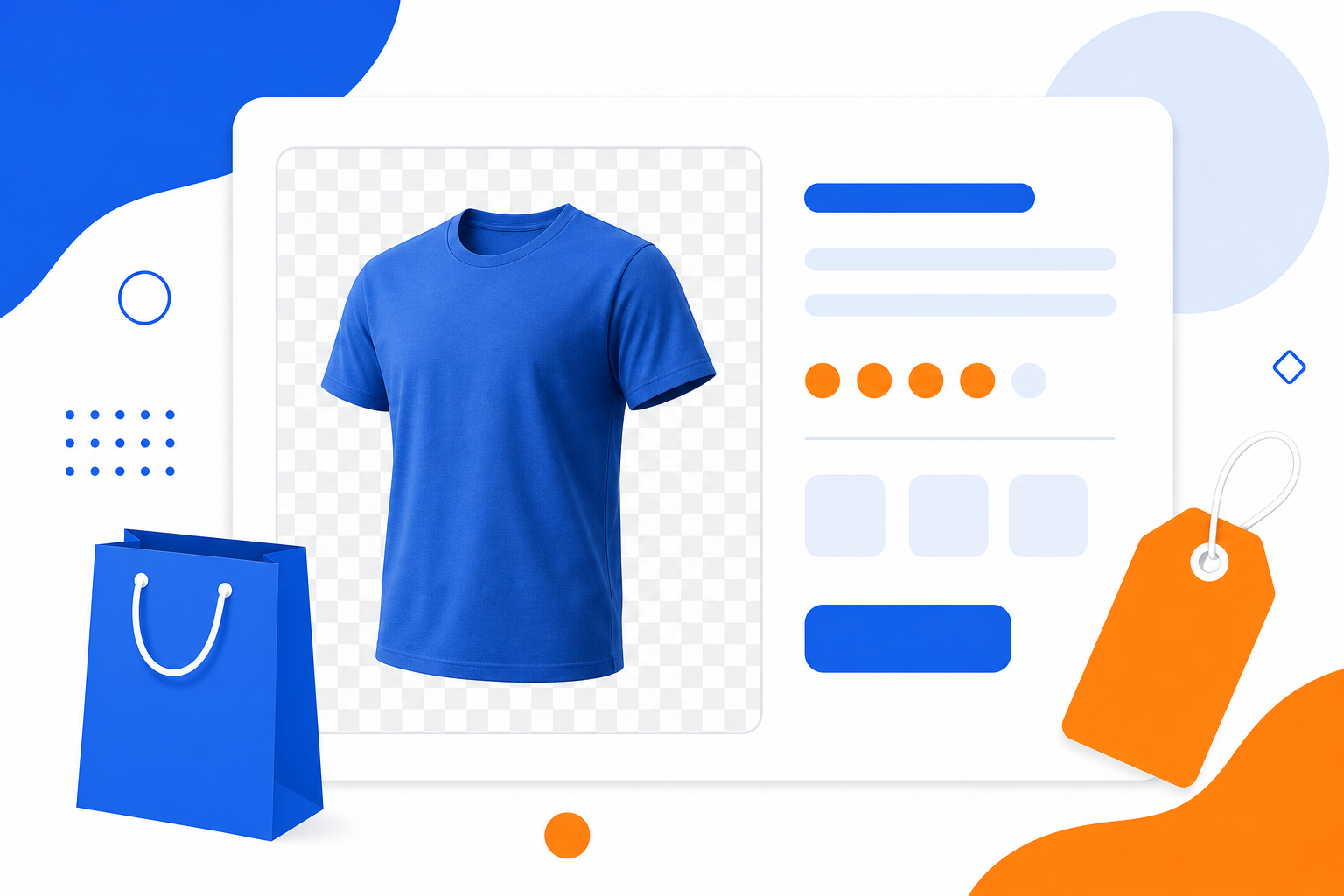
Transparent product images are useful because they give ecommerce teams one clean asset that can be reused across product pages, ads, social posts, banners, comparison tables, and seasonal promotions. With Image Background Remover, you can remove a product photo background in the browser and download a transparent PNG without sending the image to a server.
The best approach is simple: create one high-quality transparent PNG as the master product cutout, then export or place it on the background required by each sales channel.
Cleaner product listings
Transparent product cutouts help keep category grids consistent even when photos were taken in different rooms, on different tables, or with different lighting setups. The product becomes the focus, not the original background.
- Use the transparent PNG as your reusable master image.
- Place the product on a white or light background for marketplace-style listing photos.
- Use Image Resizer after background removal when a store theme needs exact square or portrait dimensions.
Ads, banners, and promotions
A transparent product image is easier to use in paid ads, homepage banners, email graphics, and discount campaigns. Designers can place the same item over brand colors, gradients, sale badges, or holiday backgrounds without masking it again.
- Show the product on campaign backgrounds without the old photo environment.
- Create before-and-after, bundle, and comparison graphics faster.
- Use Image Compressor before uploading heavy PNGs to a website or ad platform.
Marketplace and channel flexibility
Different ecommerce channels can have different image expectations. A transparent PNG gives you flexibility: keep it transparent for design work, or export it on a flat white background when a marketplace requires a simple listing image.
After creating the cutout, use Image Converter when you need JPG or WebP versions for a specific platform.
Best practices for ecommerce cutouts
- Start with a sharp product photo where the item is fully visible.
- Use simple lighting and avoid shadows that cover important product edges.
- Review the cutout edge before publishing it on product pages.
- Use Image Cropper to center the product and remove extra empty space.
- Keep a transparent PNG master file and create channel-specific JPG or WebP copies from it.
When a flat JPG is better
Transparent PNG is best for reusable product assets, but JPG can be better when the final destination does not support transparency or when you need smaller files with a fixed white, black, or custom background.
For ecommerce, a practical workflow is to save the transparent PNG first, then create flat JPG versions only for the channels that need them.
Conclusion
Transparent background images help ecommerce teams reuse product photos across storefronts, ads, social posts, marketplace listings, and campaign graphics. Start with Image Background Remover, download a transparent PNG, then resize, crop, compress, or convert it depending on where the image will be used.
Frequently asked questions
Why do ecommerce product photos need transparent backgrounds?
Transparent backgrounds make product photos easier to place on white store pages, category tiles, ads, comparison graphics, marketplace templates, and seasonal campaign designs without retaking the photo.
Should I upload transparent PNG or JPG product photos?
Use transparent PNG when you need reusable product cutouts. Use JPG when the platform requires a flat background or when you already know the final background color.
Can I use transparent backgrounds for marketplace listings?
Yes, but check each marketplace rule. Some listing platforms prefer white or light backgrounds, so you may use a transparent PNG as your master file and export a white JPG for the final upload.
Are product images uploaded to UseBoldTools servers?
No. The Image Background Remover processes the image in your browser, so product photos are not uploaded to UseBoldTools servers for background removal.
Related guides
Related tools
Image Background Remover
Remove background from images free in your browser—transparent PNG or flat JPG, no upload
Image Resizer
Resize image online free — change width, height, or percentage for forms, Instagram, YouTube, and more.
Image Compressor
Compress images online without losing quality
Image Converter
Convert JPG, PNG, and WebP online free—JPG to PNG, PNG to JPG, WebP converter in your browser
Ready to try Image Background Remover?
Use our free Image Background Remover tool in your browser — no account required for most workflows.
Open Image Background Remover