Edit PDF
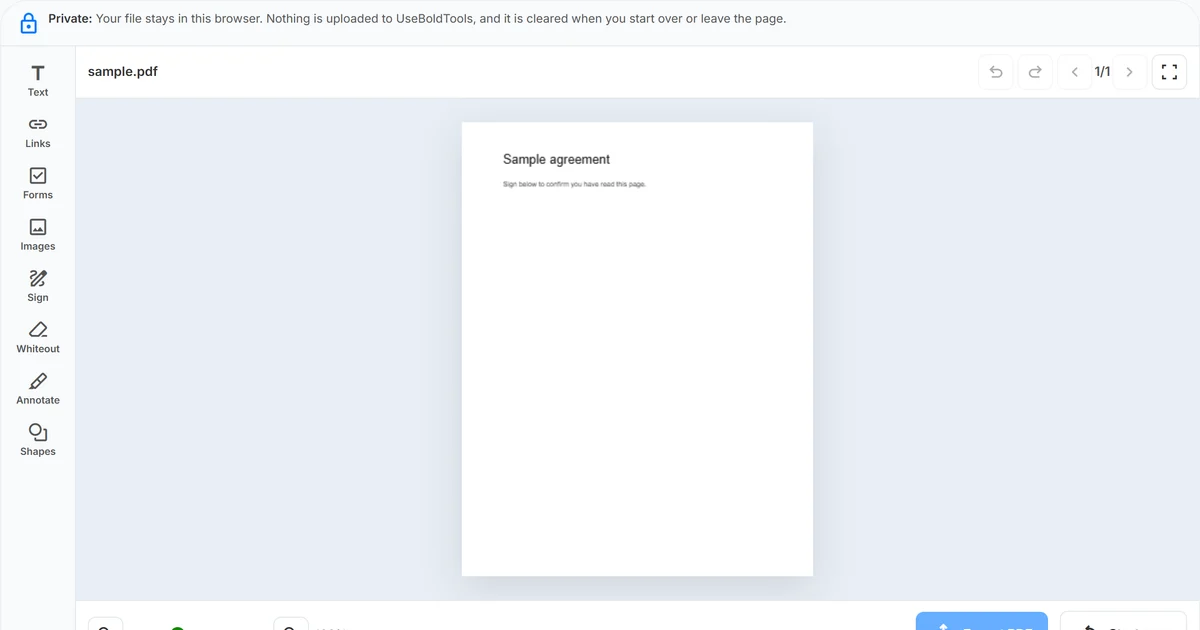
Edit a PDF in your browser with UseBoldTools: add text, ticks, images, or a signature as overlays, then export a new file locally—no watermark and no server upload.
By UseBoldTools Team · 10 min read · September 28, 2026
Read moreEdit PDF
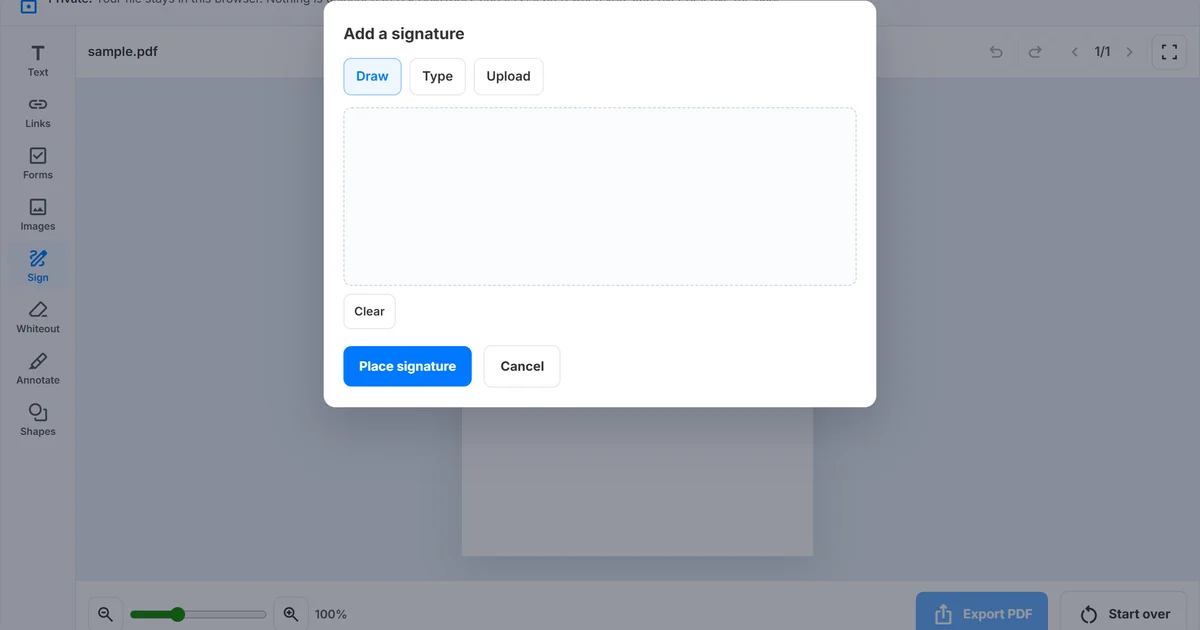
Add a signature to a PDF in your browser: draw, type a name, or upload an image in UseBoldTools Edit PDF, place it on the page, and export locally with no watermark.
By UseBoldTools Team · 8 min read · September 28, 2026
Read moreImage to PDF Converter
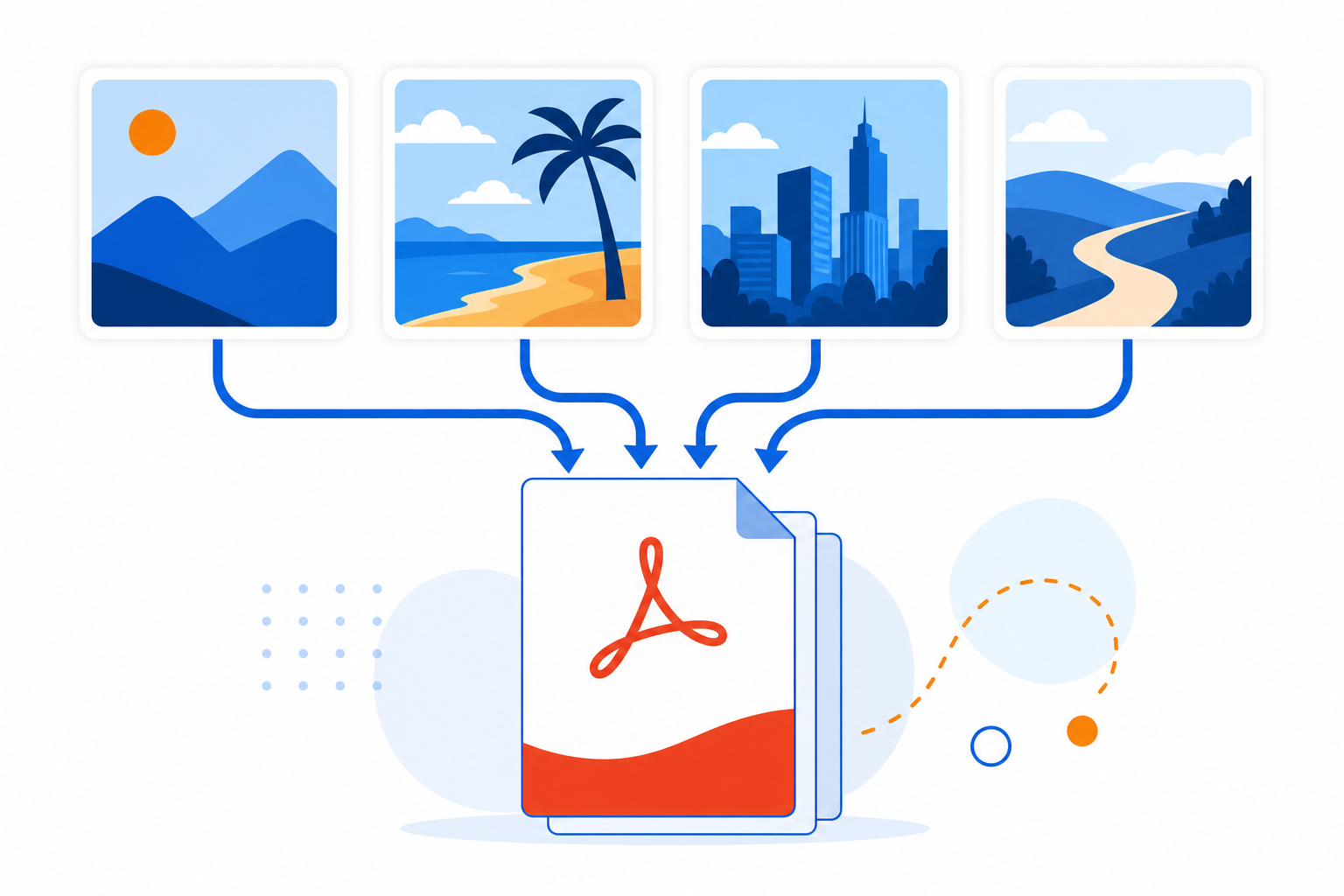
Convert JPG, JPEG, PNG, and WEBP images to PDF free in your browser. Upload, arrange page order, and download images-to-pdf.pdf with local processing.
By UseBoldTools Team · 8 min read · July 2, 2026
Read moreImage to PDF Converter
Combine multiple JPG, PNG, or WEBP images into one PDF. Upload, reorder with Move Up and Move Down, and download images-to-pdf.pdf in your browser.
By UseBoldTools Team · 8 min read · July 2, 2026
Read moreImage to PDF Converter
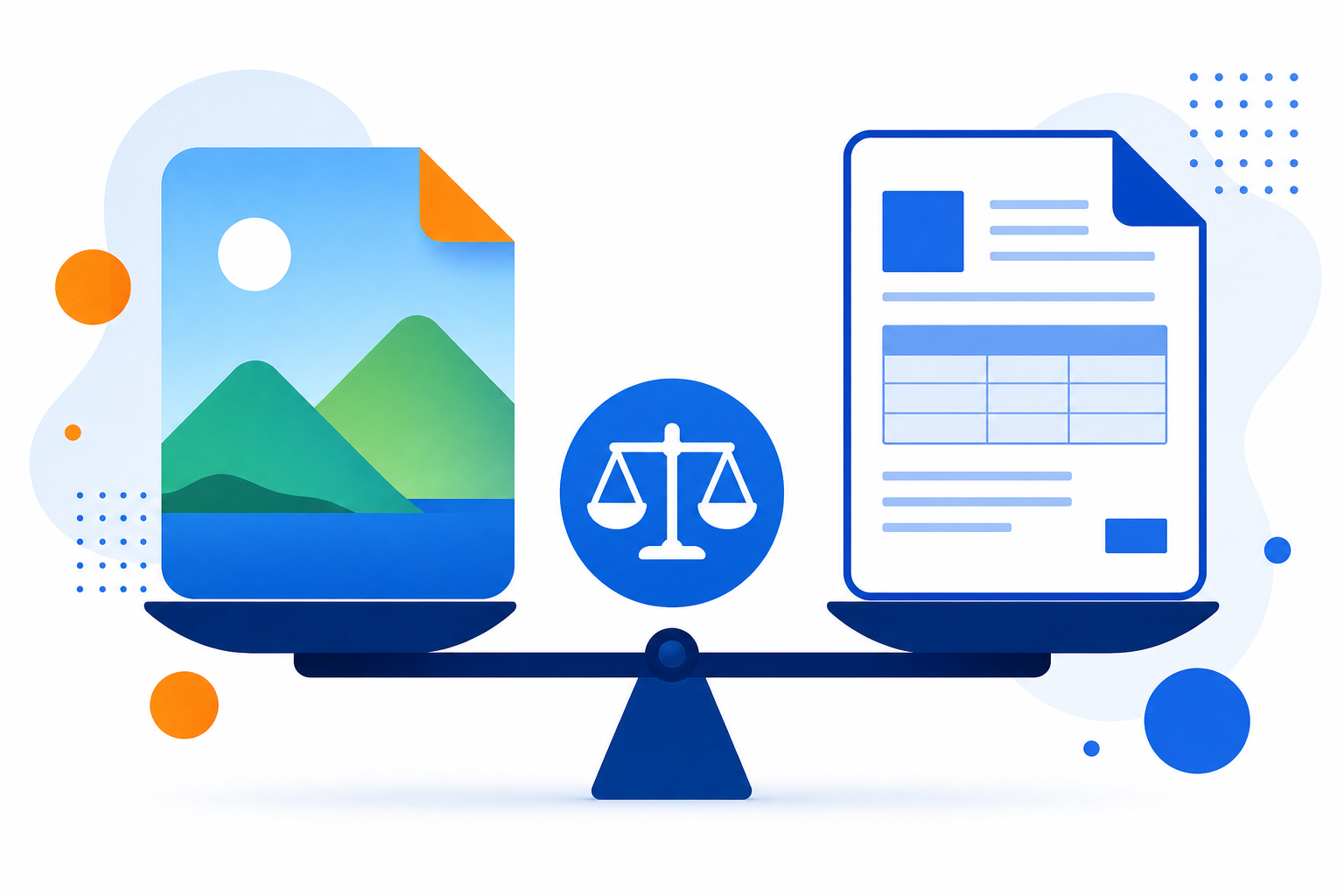
JPEG vs PDF for sharing explained: when to send images, when to convert to PDF, and how to use UseBoldTools Image to PDF Converter locally in your browser.
By UseBoldTools Team · 7 min read · July 2, 2026
Read morePDF Unlock
Learn how to remove a password from a PDF you own using the current password, browser-local unlocking, and safe handling steps.
By UseBoldTools Team · 3 min read · July 2, 2026
Read morePDF Unlock
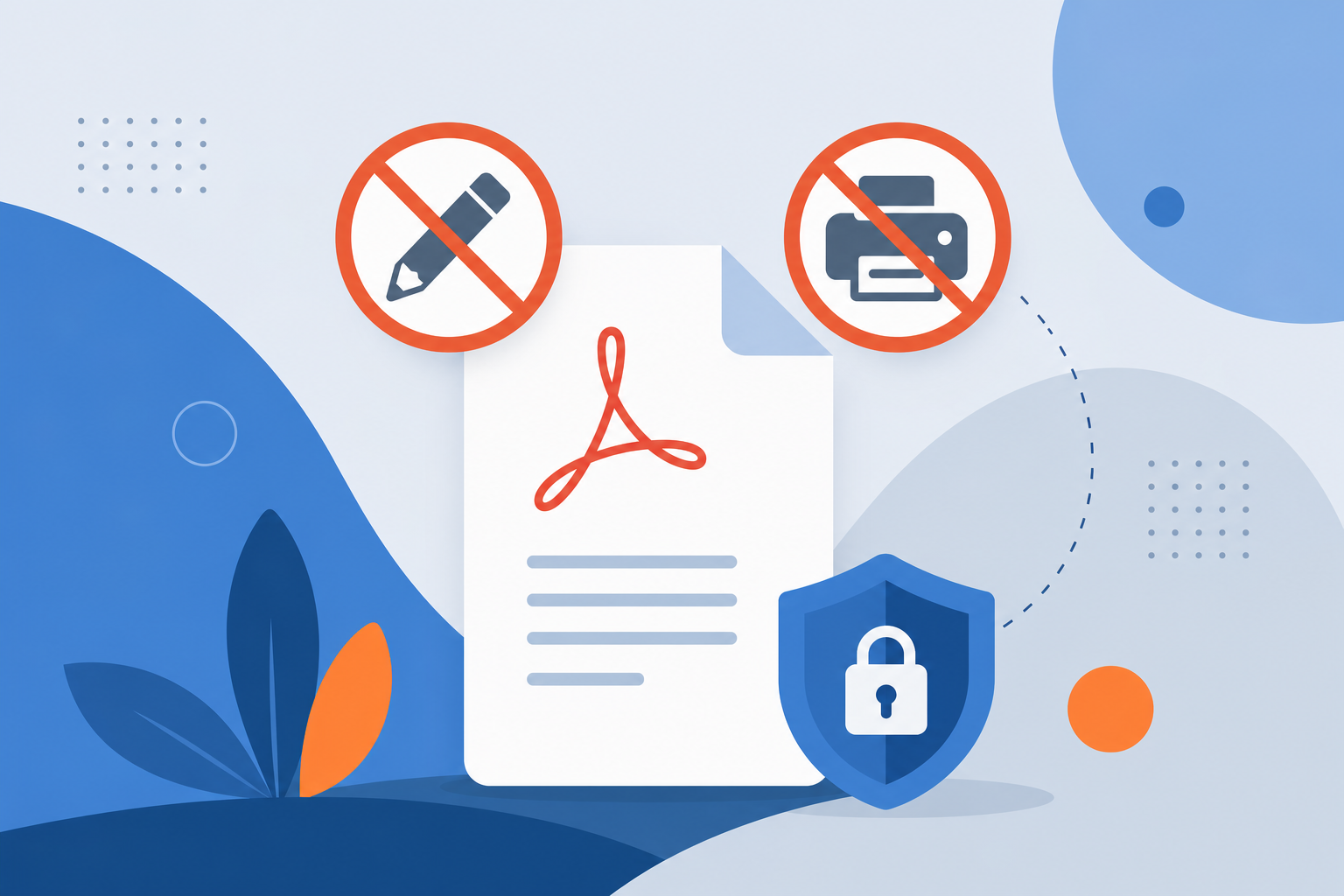
Understand why a PDF cannot be edited or printed, including password protection, owner permissions, scanned pages, and viewer limits.
By UseBoldTools Team · 3 min read · July 2, 2026
Read morePDF Unlock
Learn how to unlock a password-protected PDF online using the current password, local browser processing, and safe file handling.
By UseBoldTools Team · 3 min read · July 2, 2026
Read morePDF Password Protect
Learn how to password protect a PDF file online with browser-side encryption, strong password tips, permissions, and safer sharing steps.
By UseBoldTools Team · 4 min read · July 2, 2026
Read morePDF Password Protect
Learn how to secure sensitive PDF documents with a password, safer sharing habits, browser-side protection, and common mistakes to avoid.
By UseBoldTools Team · 3 min read · July 2, 2026
Read morePDF Password Protect
Understand the difference between open password and owner password in PDF files, including access control, permissions, use cases, and limits.
By UseBoldTools Team · 3 min read · July 2, 2026
Read morePDF Merge
Combine monthly invoice PDFs into one file. Open Merge PDF, upload, arrange by date, and download.
By UseBoldTools Team · 6 min read · July 2, 2026
Read morePDF Merge
Build one job application PDF from cover letter, resume, and supporting docs. Upload, arrange in posting order, merge in-browser, and download.
By UseBoldTools Team · 6 min read · July 2, 2026
Read morePDF Merge
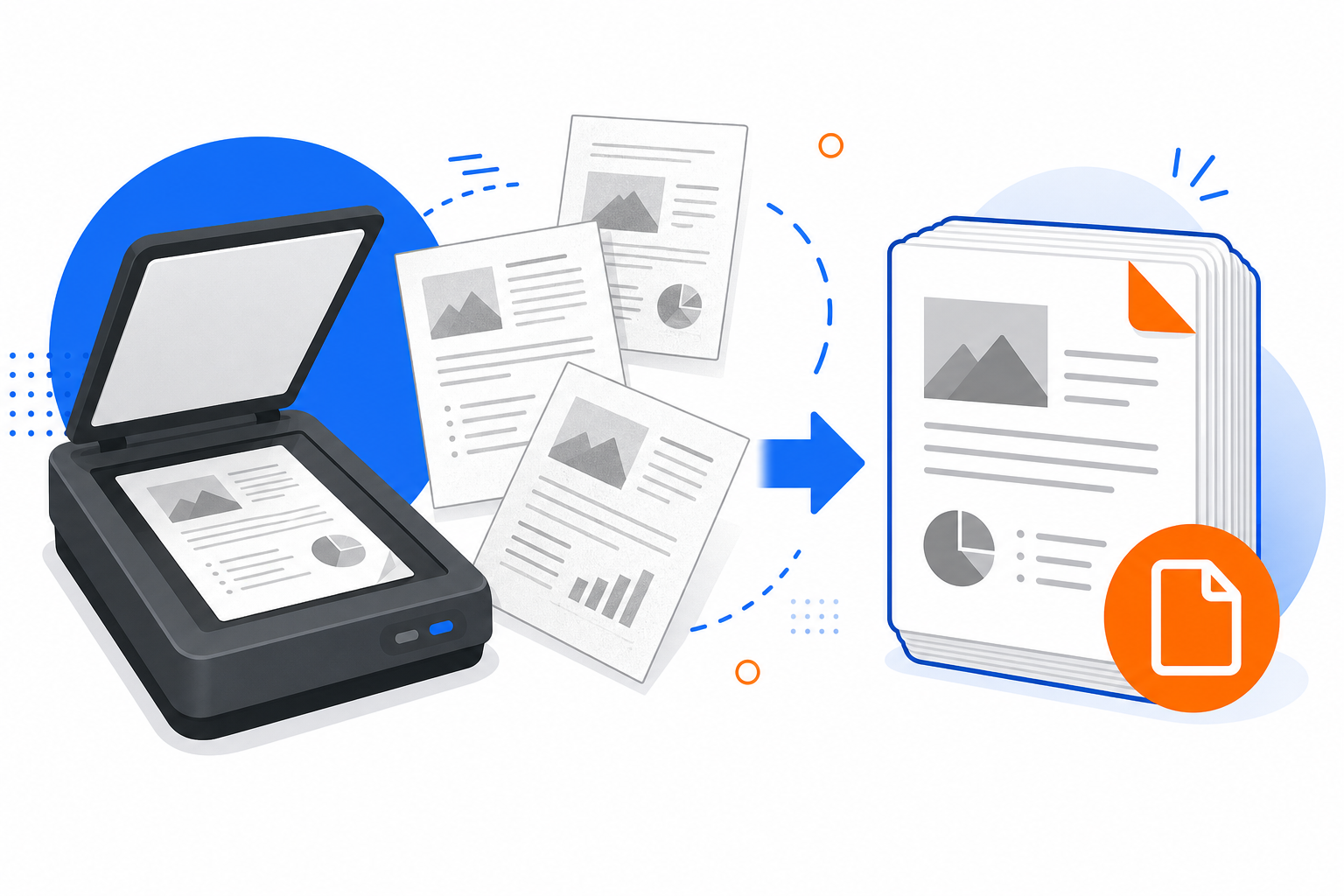
Merge multiple scanned PDFs into one ordered file. Upload scans, arrange pages, trim blanks, merge in your browser, and download.
By UseBoldTools Team · 6 min read · July 2, 2026
Read morePDF Merge
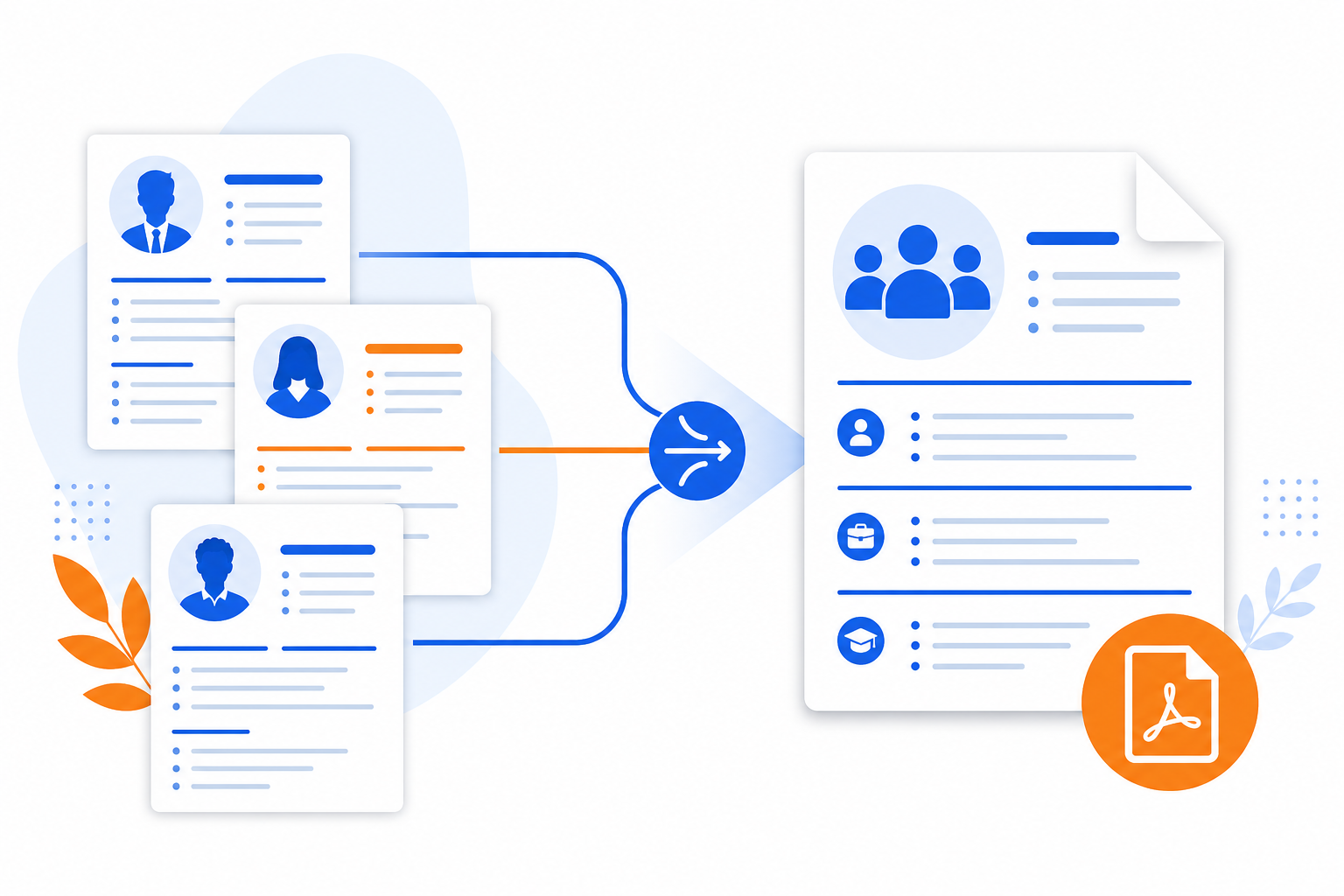
Combine multiple resume PDFs into one file with clear order and optional page ranges. Upload, arrange, merge in your browser, and download—no watermark.
By UseBoldTools Team · 6 min read · July 2, 2026
Read morePDF Merge
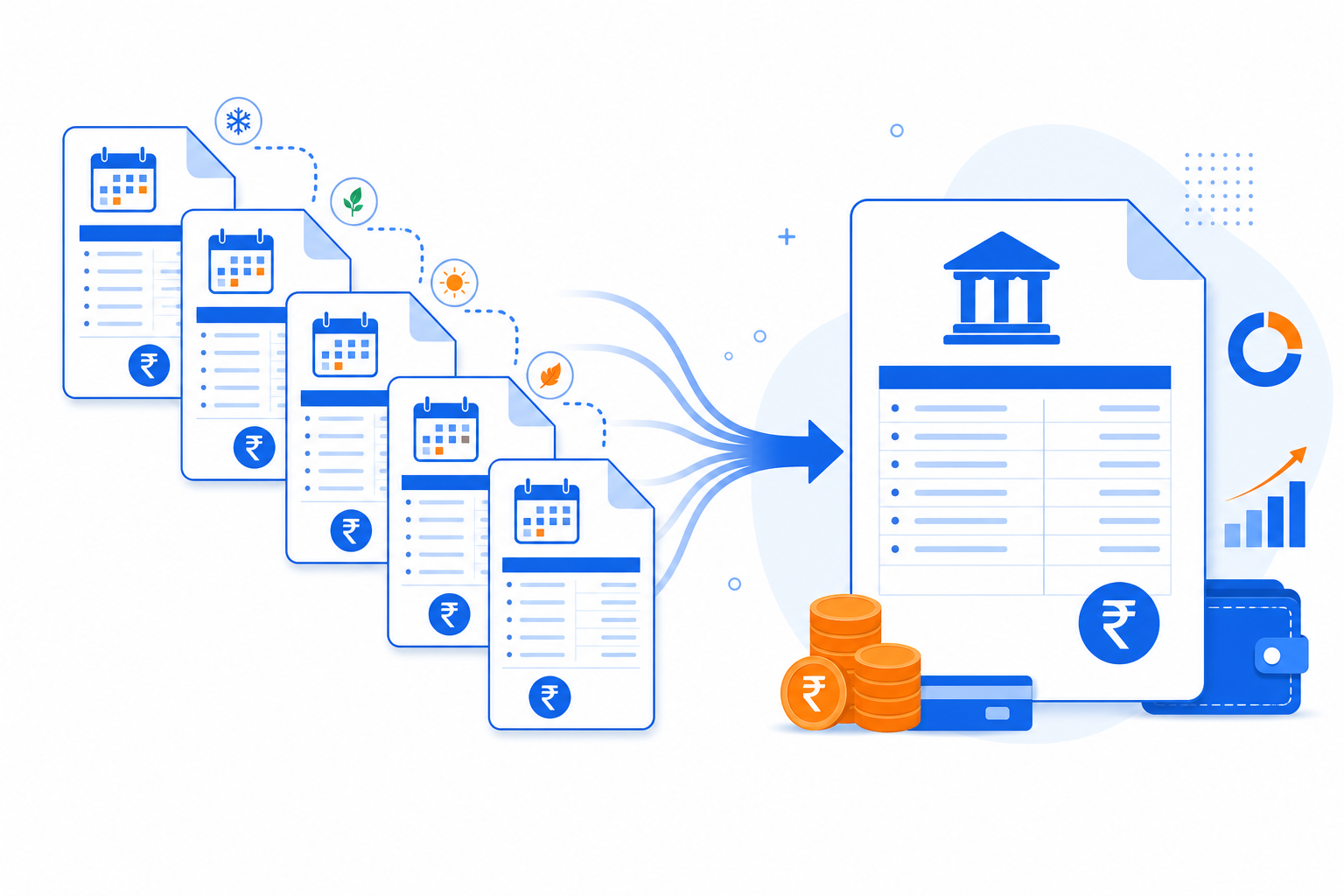
Combine monthly bank statement PDFs into one chronological file with Upload → Arrange → Merge → Download. keeps merging on your device.
By UseBoldTools Team · 7 min read · July 2, 2026
Read morePDF Merge
Merge PDF files on Windows, Mac, iPhone, iPad, or Android with a browser-based workflow for upload, arrange, merge, and download.
By UseBoldTools Team · 4 min read · July 2, 2026
Read morePDF Merge
Learn how to organize PDF pages before merging by using page ranges, visual cleanup, splitting, compression, and a final review workflow.
By UseBoldTools Team · 4 min read · July 2, 2026
Read morePDF Merge
Fix common PDF merging errors including locked files, wrong order, invalid page ranges, large scans, corrupted PDFs, and missing downloads.
By UseBoldTools Team · 4 min read · July 2, 2026
Read morePDF Merge
Understand how browser-based PDF merge works on UseBoldTools, what data leaves your device, and practical steps to merge sensitive documents more safely.
By UseBoldTools Team · 6 min read · June 3, 2026
Read morePDF Merge
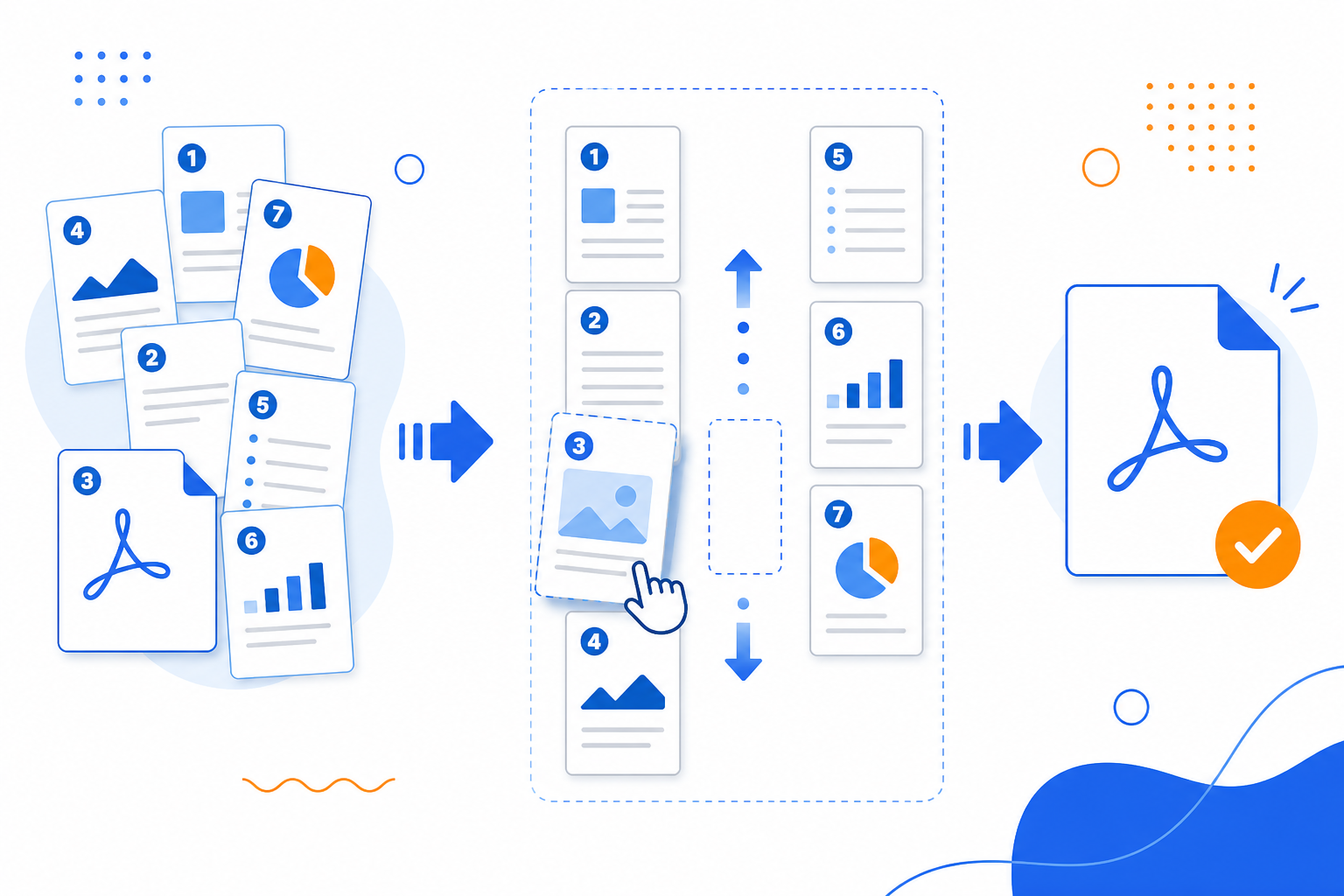
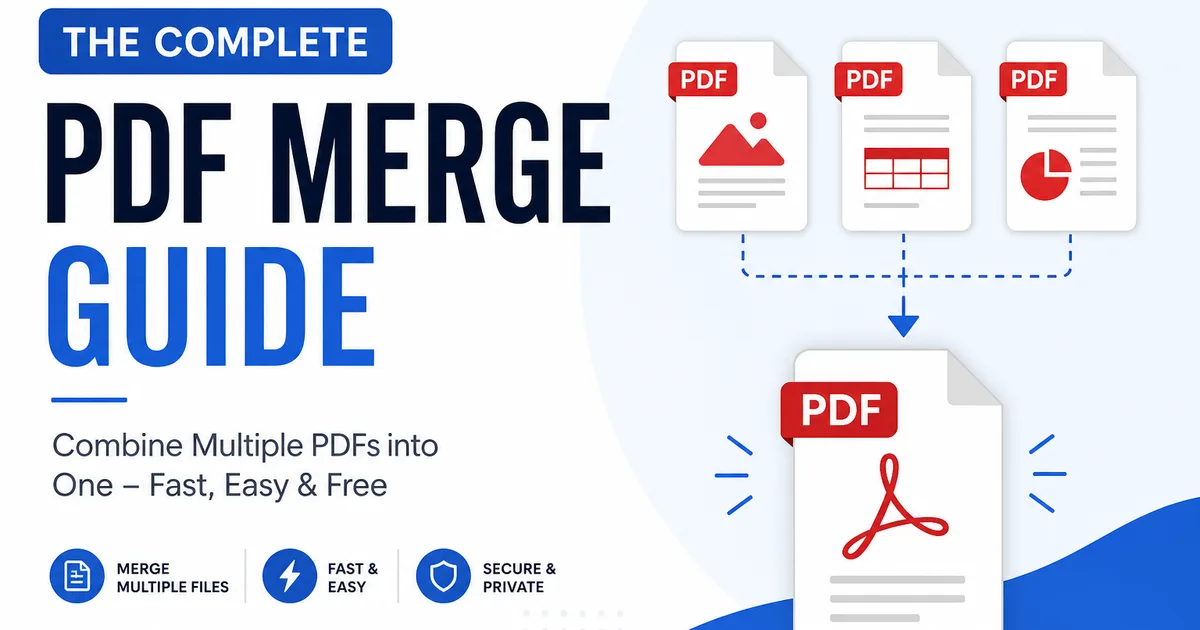
Combine multiple PDFs into one file using a clear Upload → Arrange → Merge → Download workflow. Everything runs locally in your browser.
By UseBoldTools Team · 8 min read · June 3, 2026
Read more