
Financial Tools
How Prepayments Can Reduce Your Loan Interest
See how prepayments reduce loan interest with UseBoldTools: simulate lump sums and extra monthly payments, view interest saved, tenure reduced, and month-wise breakdown locally.
By UseBoldTools Team 6 min readPublished July 2, 2026
Introduction
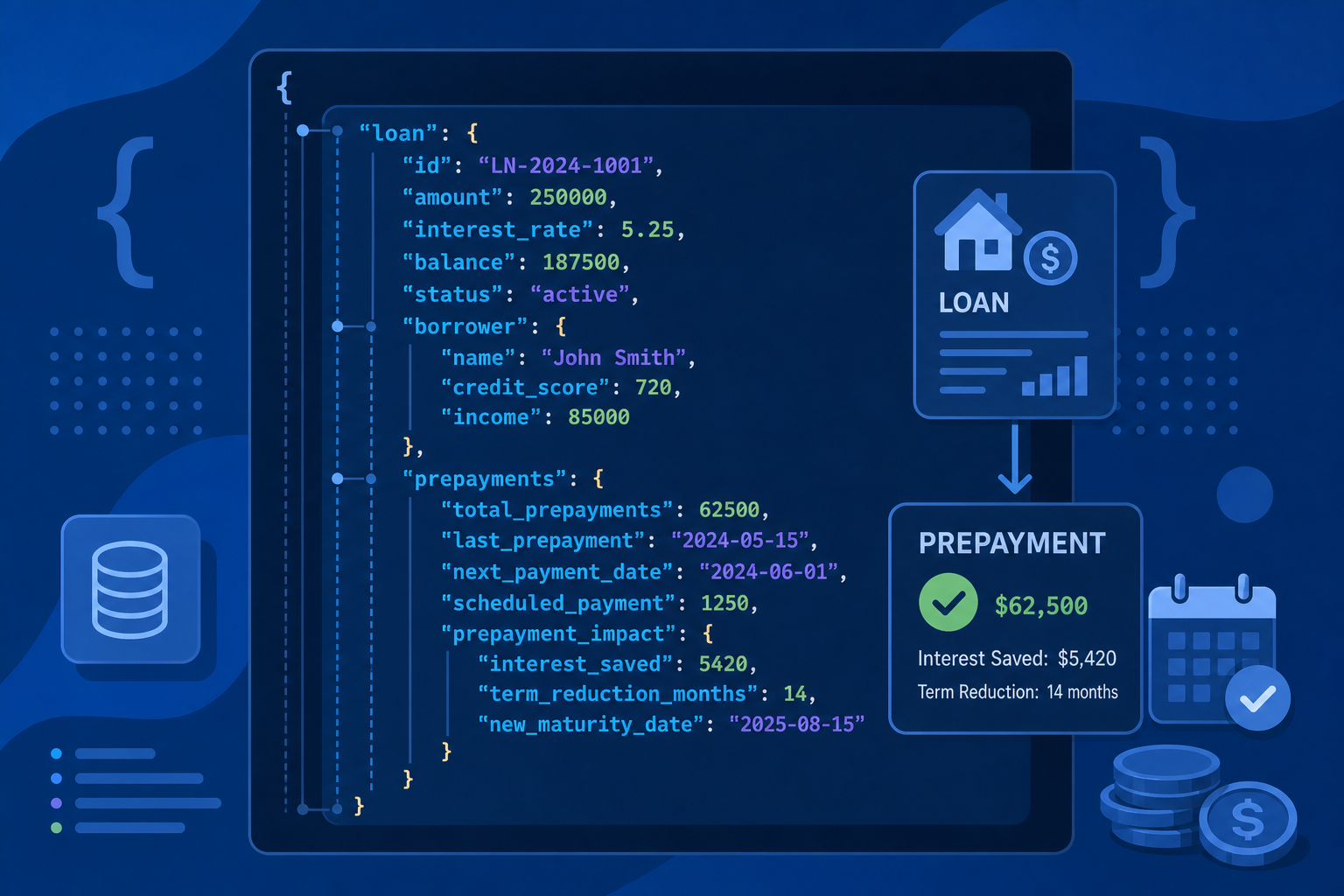
Paying only the scheduled EMI clears a loan on time, but it is rarely the cheapest path. Lump-sum bonuses, annual windfalls, or a few thousand rupees extra each month can shave lakhs off total interest and shorten tenure by years. The free EMI Calculator on UseBoldTools includes Advanced Options that simulate prepayments so you can see savings before you send money to the lender.
This guide explains how prepayments can reduce your loan interest using the real UseBoldTools workflow: enable prepayment, set one-time and recurring extras, read the insight line for interest saved, and inspect month-wise breakdown changes. Start with EMI vs total interest explained if you need a baseline on total interest, or how to calculate personal loan EMI before applying for basic EMI setup.
Find related guides on the UseBoldTools blog.
Prepayment rules differ by lender and loan type. Floating-rate home loans often allow partial prepayment with fewer restrictions, while some personal loans include lock-in periods or percentage-based penalties. The calculator cannot know your bank’s policy, but it can show the mathematical upside once extra principal hits your account. Bring those numbers to your lender conversation so you negotiate from evidence, not assumptions.
Prepayment simulation in the EMI Calculator
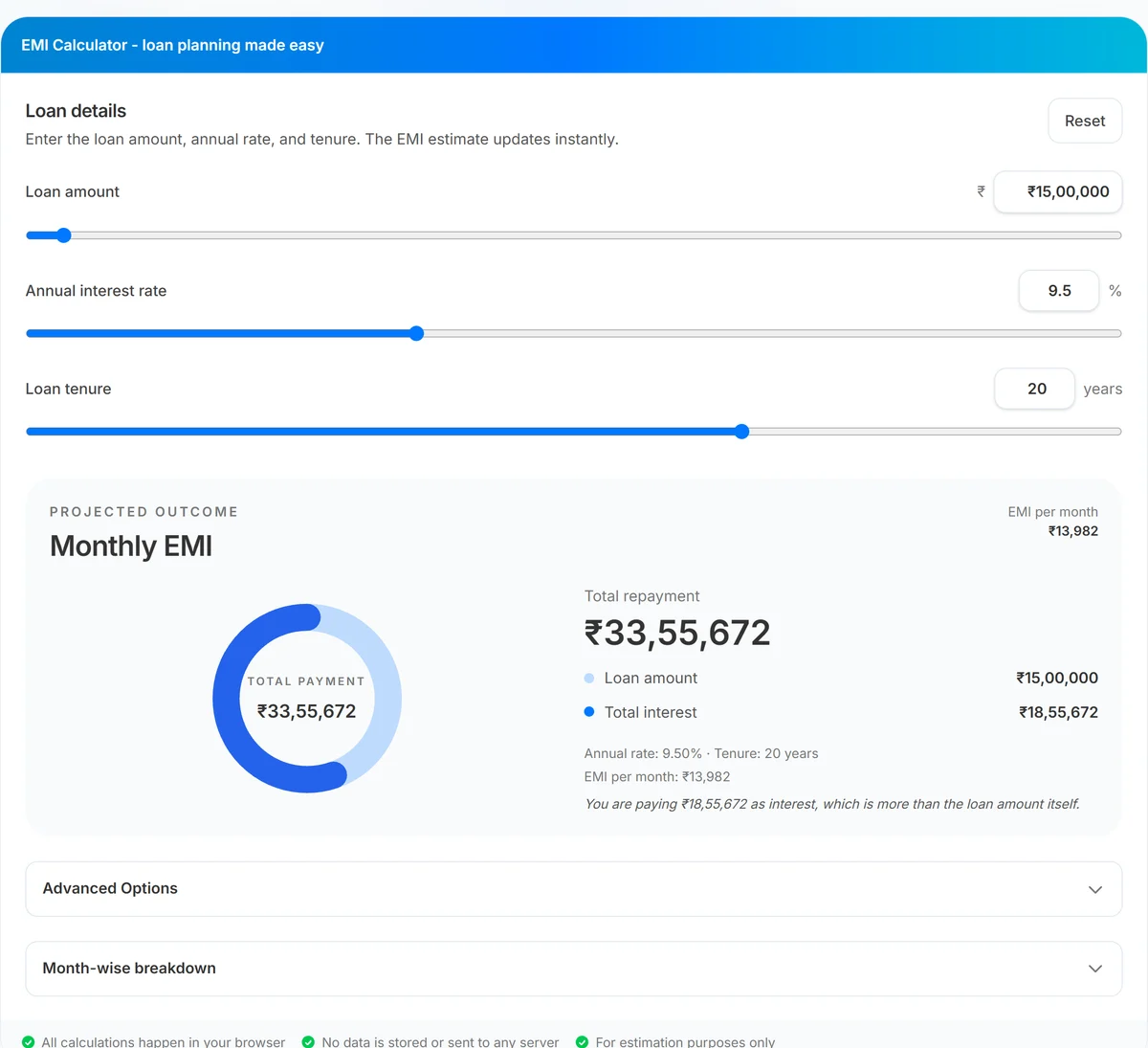
Beyond standard EMI math, UseBoldTools EMI Calculator models extra principal payments through Advanced Options. Toggle Enable Prepayment to reveal three controls: one-time prepayment amount, the year when that lump sum applies, and extra monthly payment added every installment.
When prepayment is active, the insight text under results can report interest saved and tenure reduced in plain language—for example, how many years and months you cut from the loan. The month-wise breakdown table adds an Extra payment column and adjusts Remaining balance accordingly. You can also type per-month extras directly in table rows for irregular bonuses.
One-time prepayment applies in month six of the year you select (matching the calculator’s internal schedule). Extra monthly payments cap at twice the current EMI to keep scenarios realistic. All prepayment math runs in the browser alongside base EMI. Toggle prepayment off and on to compare baseline total interest against your planned extras—the insight line summarizes the difference in rupees and months saved.
When to model prepayments
- Annual bonus planning. See how directing part of a bonus toward principal changes total interest before the money arrives.
- Salary increment. Test a fixed extra monthly amount that matches your new surplus after a raise.
- Home loan mid-life. Long mortgages benefit heavily from early partial prepayments when the balance is still large.
- Refinance decisions. Compare keeping your current loan with aggressive prepayment vs switching lenders.
- Prepay vs invest. Quantify guaranteed interest savings here, then contrast with SIP Calculator projections on the same cash.
Home buyers should read common home loan mistakes for first-time buyers alongside prepayment planning—choosing the wrong tenure or ignoring insurance can offset prepayment gains.
Step-by-step: simulate prepayment savings
Open EMI Calculator and enter your base loan amount, annual interest rate, and tenure. Note the default total interest before prepayment.
- Expand Advanced Options. Open the collapsible panel below the main inputs.
- Check Enable Prepayment. Prepayment fields appear when the checkbox is on.
- Set one-time prepayment. Enter a lump-sum amount and choose the year it applies—for example, ₹2,00,000 in year 5 after a bonus.
- Set extra monthly payment. Add a recurring amount paid with every EMI, such as ₹5,000 from a salary step-up.
- Read the insight line. When prepayment reduces cost, the summary mentions interest saved and tenure reduced.
- Open Month-wise breakdown. Confirm extra payment columns and watch remaining balance fall faster. Download CSV to archive the scenario.
For irregular extras—only certain months—use the Extra payment input on specific rows in the amortization table instead of a global monthly add-on. This mirrors real life: festival bonuses, stock vesting, or tax refunds rarely arrive as identical monthly amounts. Editing individual rows lets you stack a large lump sum in one month and smaller extras later without overcommitting in lean months.
Benefits of prepayment simulation
- Quantified savings. See rupee interest saved instead of guessing from rules of thumb.
- Tenure impact. Learn how many months or years you remove with a given prepayment plan.
- Flexible scenarios. Test lump sum only, extra EMI only, or both combined.
- Month-level control. Edit individual months when bonuses are not evenly spaced.
- No account needed. Run unlimited what-if cases privately in your browser.
- Exportable data. CSV download supports sharing scenarios with a spouse or advisor.
Privacy and security
Prepayment simulations use the same local-only architecture as base EMI calculation. Amounts, years, and extra payments never leave your browser for server-side processing.
Check your lender’s prepayment policy separately—some loans charge penalties or restrict timing. The calculator models math, not bank-specific fees.
Clear downloaded CSV files on shared devices if they contain real loan balances or personal planning figures.
Common prepayment mistakes
- Prepaying without an emergency fund. Locking cash into loan principal can backfire if you need liquidity soon after.
- Ignoring tax deductions. Home loan interest may be deductible under applicable rules—factor tax impact into prepay vs invest decisions.
- Assuming any prepayment date is equal. Earlier principal reductions usually save more interest than late ones.
- Forgetting lender charges. Prepayment penalties can eat part of theoretical savings.
- Reducing EMI instead of tenure. Some lenders let you lower EMI after prepayment; shortening tenure often saves more interest.
- Assuming tenure shortens automatically. Some lenders keep EMI constant after prepayment unless you request tenure reduction—confirm the outcome you want.
- Not modeling before committing. Run the scenario in EMI Calculator before you instruct the bank—surprises are common without numbers.
Understand baseline interest with EMI vs total interest explained before you layer prepayment assumptions on top.
Best practices for prepayment planning
- Establish base EMI and total interest first, then enable prepayment to measure delta—not the other way around.
- Model conservative and aggressive prepayment amounts to bracket realistic outcomes.
- Compare guaranteed interest savings against expected SIP Calculator returns on the same cash for a balanced decision.
- Prioritize high-rate unsecured debt prepayment before low-rate tax-advantaged home loans when cash is limited.
- Confirm with your lender that extra payments apply to principal and whether tenure or EMI will adjust.
- Re-run simulations when rates change after RBI policy shifts or lender repricing.
More tools for money planning live in the financial tools category, including SIP Calculator for long-term wealth projections.
Conclusion
Prepayments turn spare cash into measurable interest savings and shorter loan life. UseBoldTools EMI Calculator shows exactly how much you save and how many months you cut—with lump sums, monthly extras, or custom month-by-month payments.
Open EMI Calculator, enable Advanced Options, and compare your prepayment plan against SIP Calculator investing on the financial tools category. Read how to calculate personal loan EMI before applying and EMI vs total interest explained for the full borrowing picture.
Frequently asked questions
How do prepayments reduce loan interest?
Prepayments lower the outstanding principal faster. Because interest is calculated on the remaining balance each month, a smaller balance means less interest in future installments—even if your scheduled EMI stays the same.
What prepayment options does the EMI Calculator support?
Advanced Options include one-time lump-sum prepayment in a chosen year, recurring extra monthly payments, and per-month extra payment fields in the amortization table.
When does a one-time prepayment save the most interest?
Earlier prepayments generally save more because they reduce principal while more interest-heavy months remain. The calculator shows interest saved and tenure reduced for your specific inputs.
Should I prepay my loan or invest instead?
It depends on your loan rate, tax benefits, risk tolerance, and investment horizon. Model loan savings here and compare with expected returns from the SIP Calculator on the same monthly amount.
Are prepayment calculations stored on a server?
No. Prepayment simulations run locally in your browser along with base EMI calculations. Your inputs are not uploaded to UseBoldTools.
Related guides
How to Calculate Personal Loan EMI Before Applying
Calculate personal loan EMI before applying with UseBoldTools: set amount, rate, and tenure, see monthly EMI and total interest instantly, and compare scenarios in your browser.
EMI vs Total Interest: How to Understand Your Loan Cost
Understand EMI vs total interest with UseBoldTools: see monthly EMI, total interest, donut chart split, and amortization so you know the true cost of your loan.
Common Home Loan Mistakes First-Time Buyers Make
Avoid common home loan mistakes as a first-time buyer: model EMI and total interest with UseBoldTools, compare tenure, plan prepayments, and balance investing with SIP.
Related tools
Ready to try EMI Calculator?
Use our free EMI Calculator tool in your browser — no account required for most workflows.
Open EMI Calculator